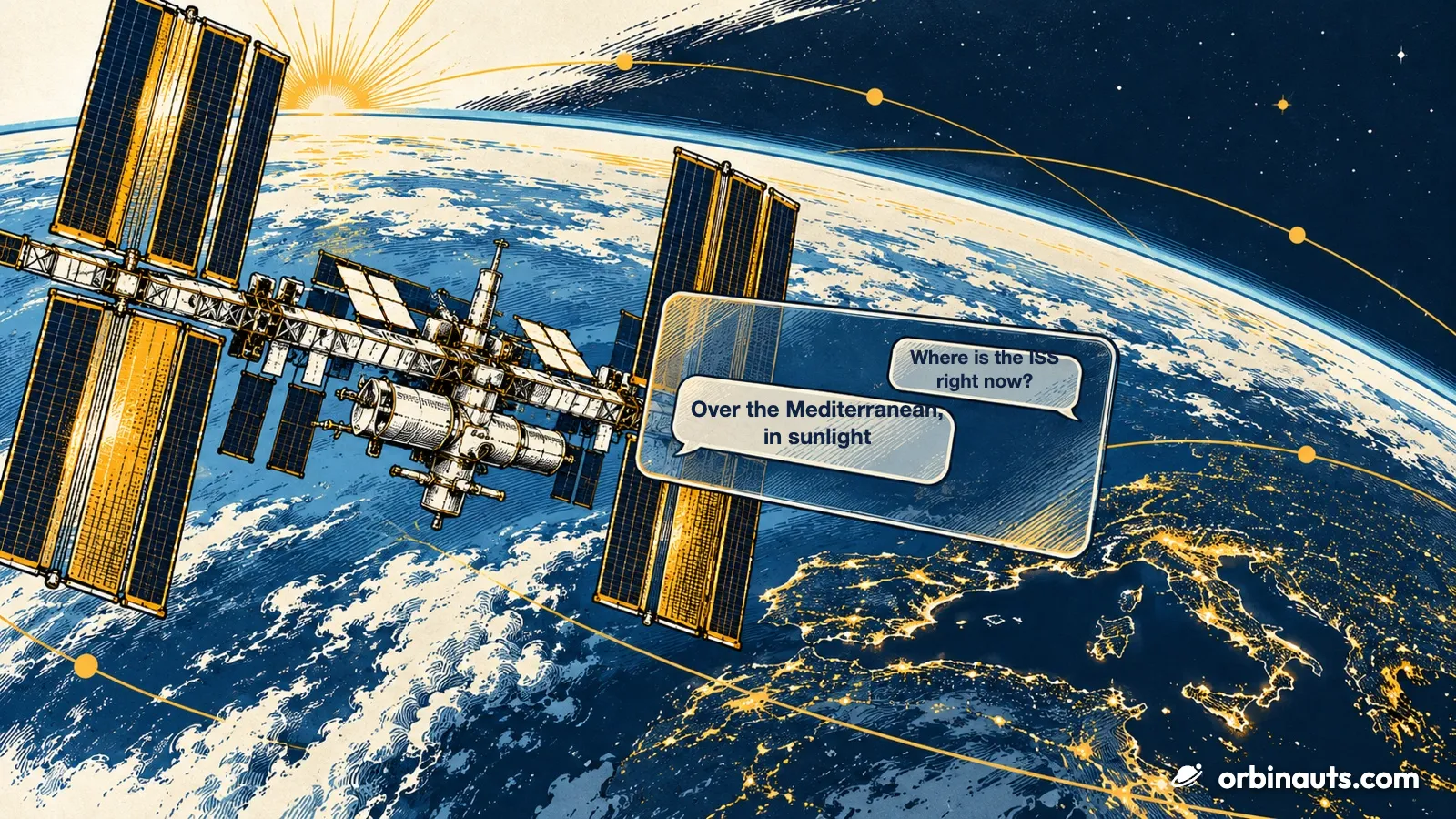
Since 31 October, Orbinauts answers inside Claude and ChatGPT. The site’s data is now a connector, an MCP server in the standard’s own words, the open protocol assistants use to call outside tools; Claude lists it in its directory as a Community connector, so anyone can add it in one step and ask, in their own words, where the ISS is right now, when it can be seen from their town tonight, what launches next, or how many satellites are in orbit. Every answer cites its source, the Orbinauts page it was taken from, so it can be checked. How to add it in Claude, ChatGPT, Claude Code, Codex, Cursor and VS Code is on the setup page.
What you can ask
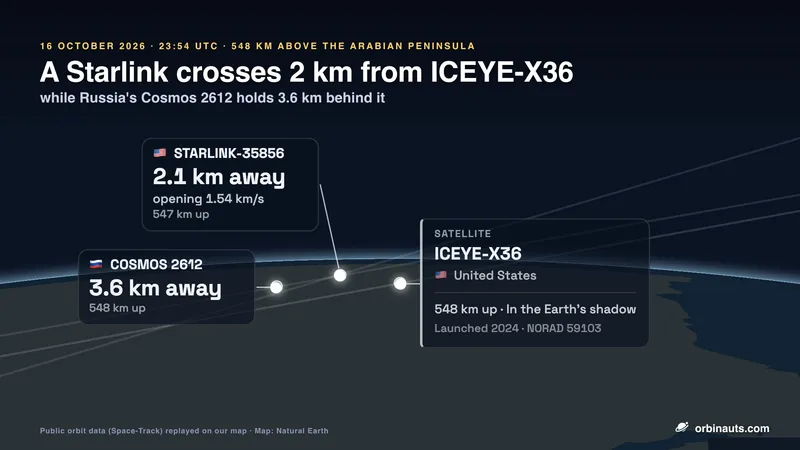
It knows where any satellite is right now, when one next passes over a place, what rocket launches next, which objects will pass close to each other, what is about to fall back to Earth, who is aboard the stations and how many objects are in orbit; the assistant puts the pieces together however the question is asked.
Asked how many satellites are in orbit, it answered with the census of 31 October: 32,845 objects, 18,957 of them satellites and 11,161 of those Starlink. Asked when the ISS can be seen from Brisbane, it gave the next passes in Brisbane’s time and said why the others are not visible: too low, a sky still bright, or the station in the Earth’s shadow. Asked in Spanish, it answers in Spanish.
How it works, and what it does not do
The connector takes no account, no key and no sign-in: the data is public, and nothing in it acts on anyone’s behalf. A place name or coordinates sent for passes are used for the computation and not kept; the Privacy page says what reaches the server. Passes are predictions from the latest orbit data, and the connector tells the assistant to say so. It cannot see the sky: whether a pass is visible is geometry and sunlight, not weather. It answers from Orbinauts’ own engine over Space-Track orbit data and Launch Library launch data, the same sources the site uses.
Where to find it
In Claude, open Orbinauts in the directory and press Connect; for ChatGPT, Claude Code, Codex, Cursor and VS Code the setup page gives the one-click link or the one-line command.
The connector will grow by adding tools, never by renaming or removing one, so an assistant that has it keeps working as it does today.